How to Suggest a Sector
Follow along to learn how to draw a new sector boundary and submit it for review. Community contributions help keep the map accurate and up to date.
1
Open the Suggest tab
Tap the Suggest icon in the bottom navigation bar to open your suggestions.
2
Start contributing
Tap the Contribute button to open the map editor.
3
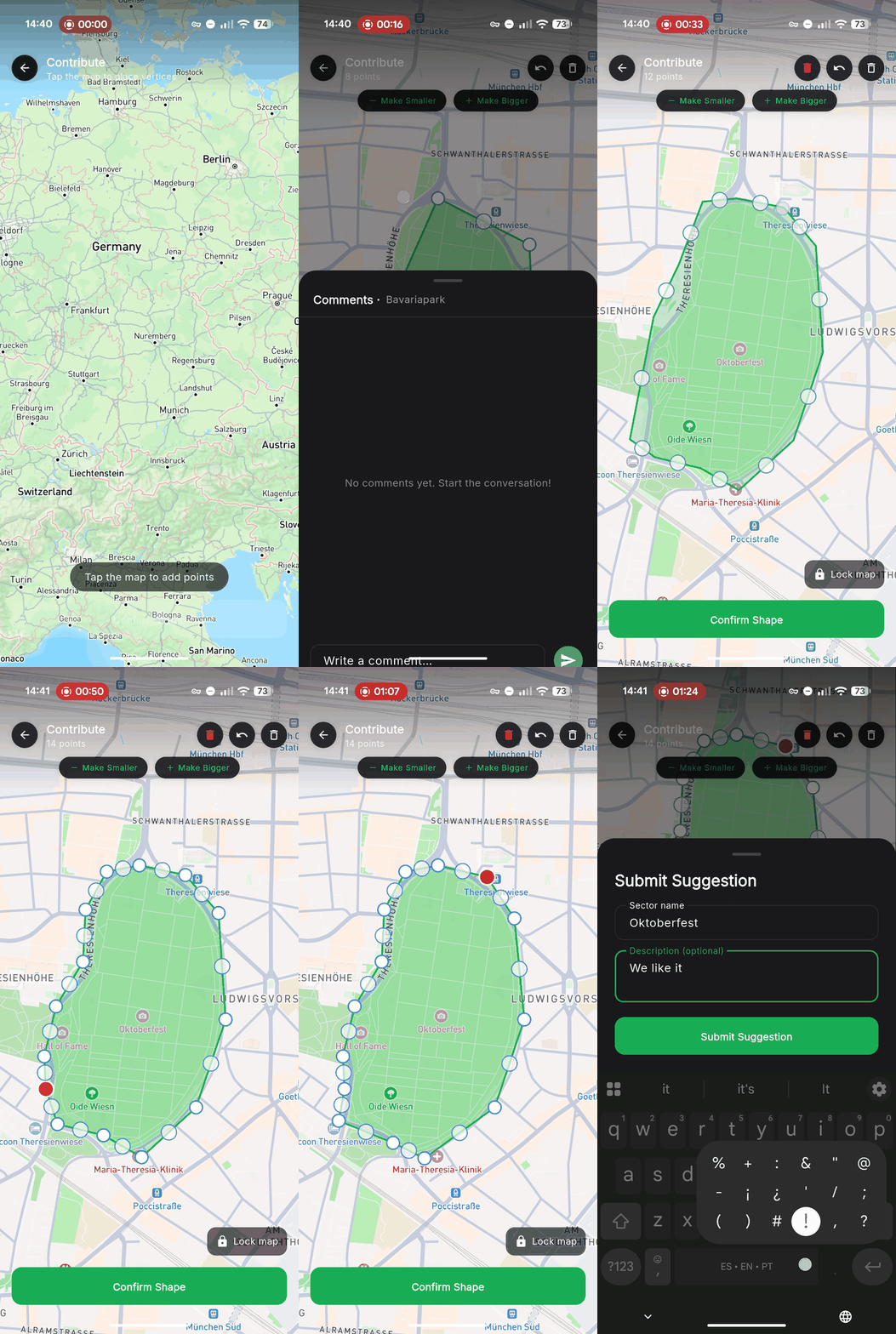
Draw the sector boundary
Tap points on the map to outline the sector. Use pinch-to-zoom and drag to navigate. You can undo or clear points at any time.
4
Submit for review
Once happy with the boundary, tap Submit. Add a name and description, then confirm. Your suggestion will be reviewed by the community.