How Import Works
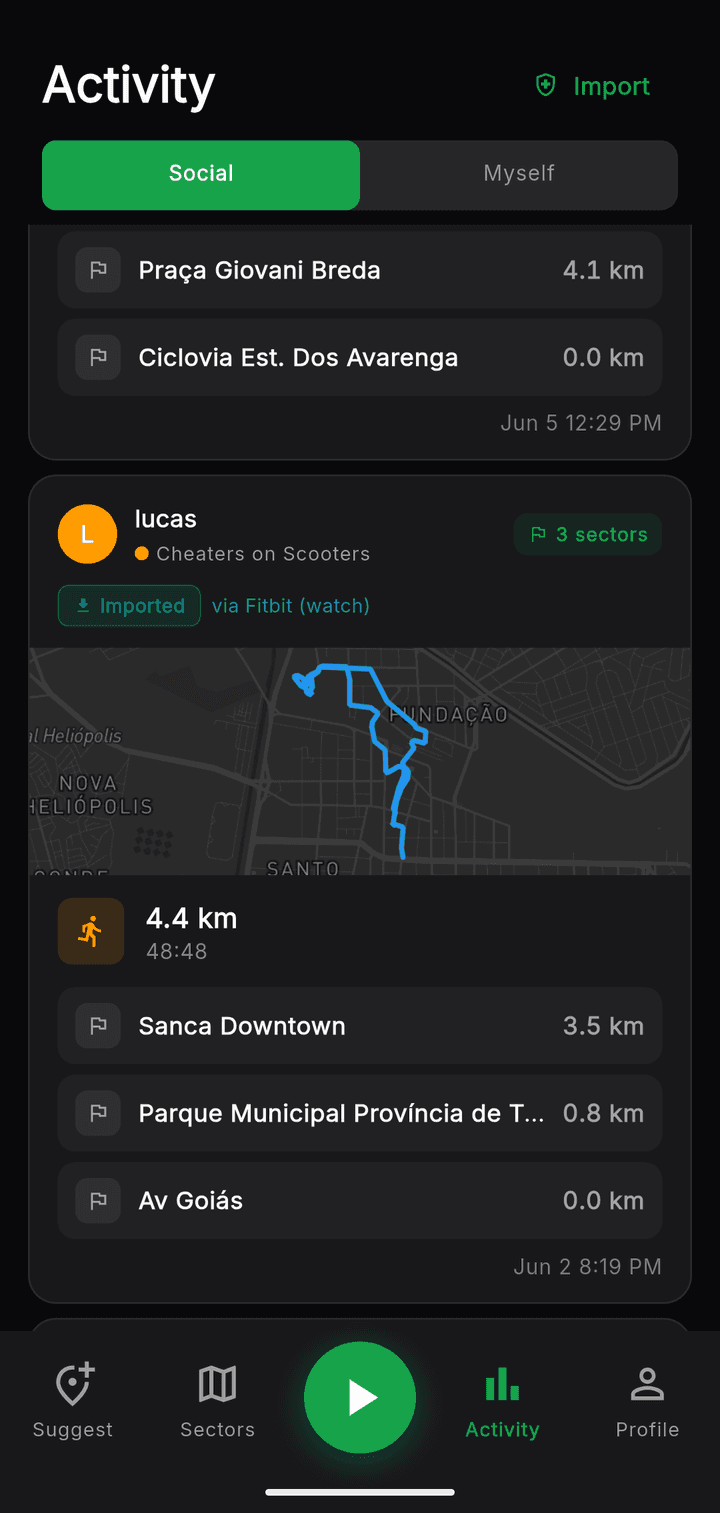
Sector is a group fitness game where every run and walk you record contributes kilometers to your group's totals and claims geographic 'sectors' for your group's color. To make joining easy, Sector imports your existing workouts — GPS route and all.
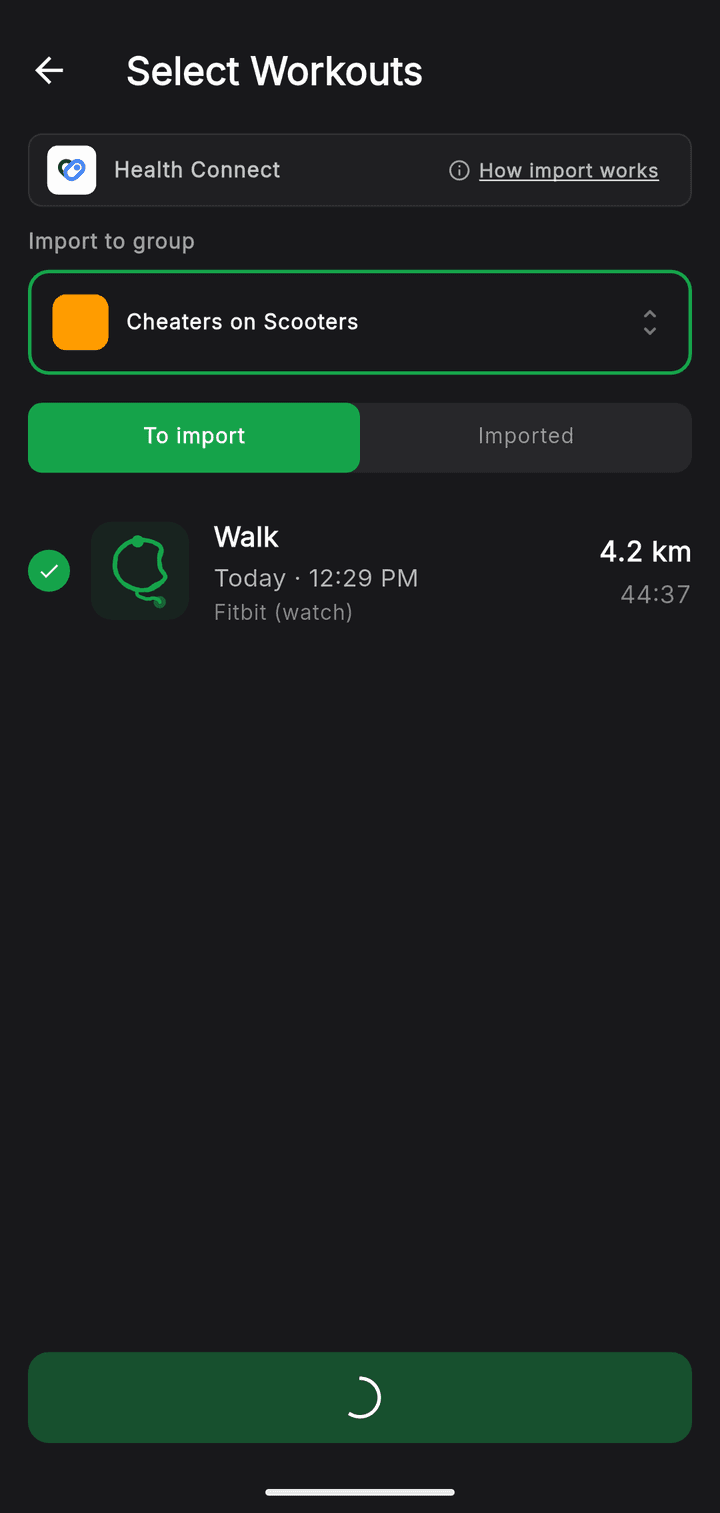
There are two ways to bring workouts in, and each works on its own — use either, both, or neither. You can connect Strava directly, or import from your phone's health hub (Apple Health on iOS, Health Connect on Android). For the health-hub path, the app that recorded the workout has to share its GPS route with the hub, and some watch + app combinations do this out of the box.
Sector reads only running, walking, and hiking sessions from the last 30 days — the activity type, start and end time, total distance, and GPS route. No other data is accessed, and nothing is shared with third parties. You always pick which workouts to import; nothing comes in until you tap.
Connect Strava directly
Link your Strava account once and Sector pulls your recent runs, walks, and hikes straight from Strava — GPS route included — with no watch-to-phone syncing required. Activities recorded without a GPS route, like treadmill or indoor sessions, are skipped, and anything you already imported from your watch won't be brought in twice.
Or import through your phone's health hub
Apple Watch + Workouts (iOS)
The native Workouts app on Apple Watch writes outdoor activities and their GPS routes straight to Apple Health.
Pixel Watch + Fitbit (Android)
The Fitbit app on a Pixel Watch writes outdoor activities and their GPS routes to Health Connect.
Samsung Watch + Samsung Health (Android)
Samsung Health on a Samsung Watch writes outdoor activities and their GPS routes to Health Connect.
Coming later
Garmin Connect keeps GPS routes inside its own app — it doesn't share them with Apple Health or Health Connect, and it doesn't yet connect to Sector directly. A direct Garmin integration is on our roadmap. Until then, Garmin routes can't be imported.